GoLove AI App & Download Guide 2026: iOS, Android & APK
Searching for the GoLove AI app? Here's the direct answer: there is no native app on Google Play or the Apple App Store. GoLove AI runs entirely in your browser — and that's intentional. The browser-based approach means full functionality on any device without downloads, updates, or App Store restrictions.
GoLove AI is a browser-based AI companion platform powered by artificial intelligence and Generative AI, operated by 404 Intelligence Ltd (Nicosia, Cyprus, HE 466237). With 86% of its 3+ million monthly users accessing via mobile, the mobile web experience is built to be the primary delivery method — not a fallback.
This guide covers how to access GoLove AI on iPhone, Android, and desktop; the risk of third-party APK files; and how to set up a home screen shortcut for an app-like experience.
Why There's No GoLove AI App
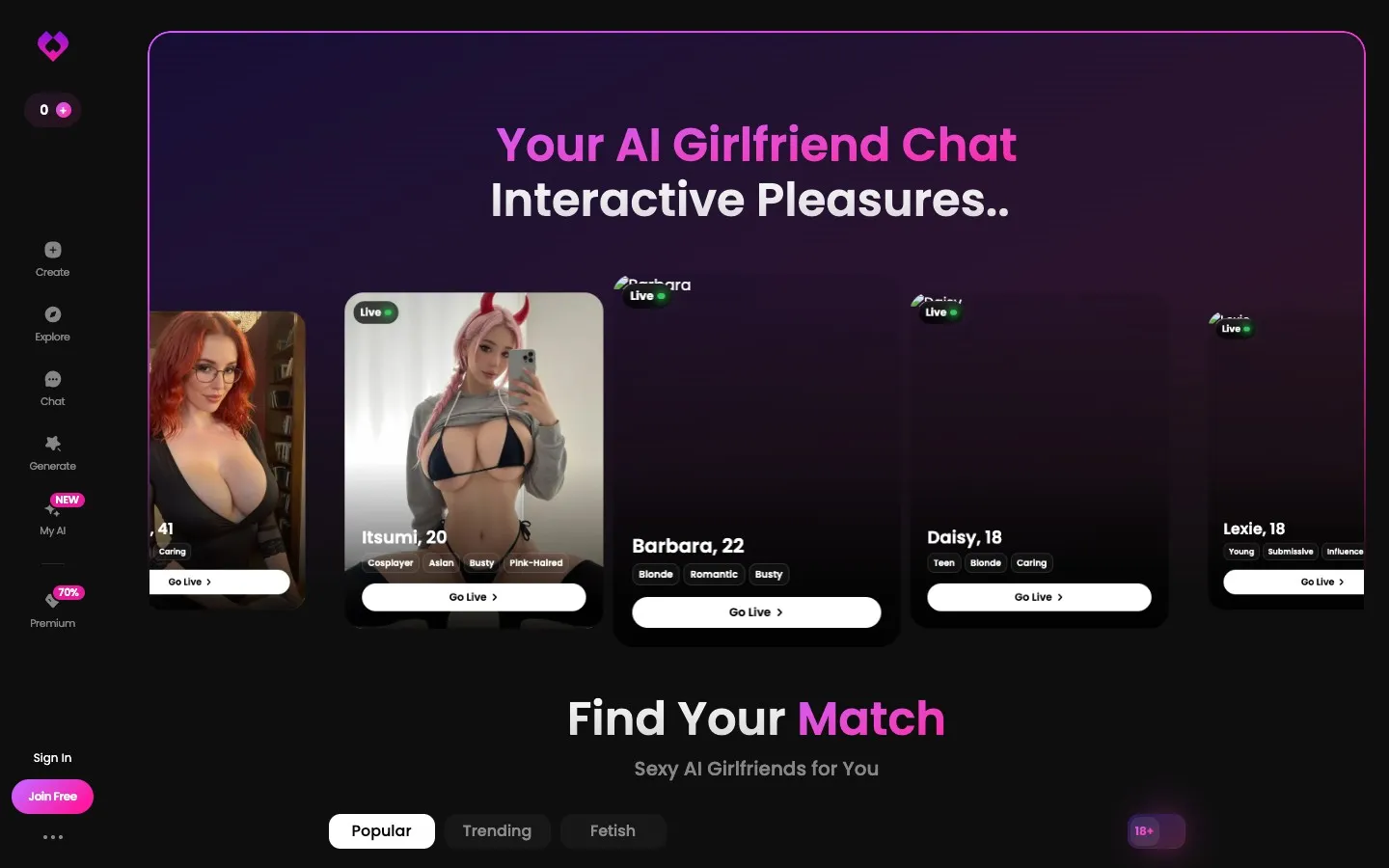
The decision to remain browser-only isn't a gap in product development — it's a strategic choice with practical implications.
App Store restrictions: Adult AI companion apps face significant barriers on both Google Play and the Apple App Store. The NSFW content that GoLove AI offers for PRO subscribers would likely prevent app approval under current store policies, or require a significantly stripped-down version. Browser delivery sidesteps these gatekeepers entirely.
Universal access: A browser-based platform works on any device with a modern browser — iPhone, Android, Windows, Mac, Linux, tablets, Chromebooks. No platform-specific builds required.
Instant updates: Browser-based deployment means users always access the latest version automatically. No manual app updates, no "update required" interruptions.
No device permission requirements: Apps request permissions (camera, microphone, storage, contacts). Browser access requests only what's needed for specific features, when those features are used.
Mobile Experience — iPhone and Android
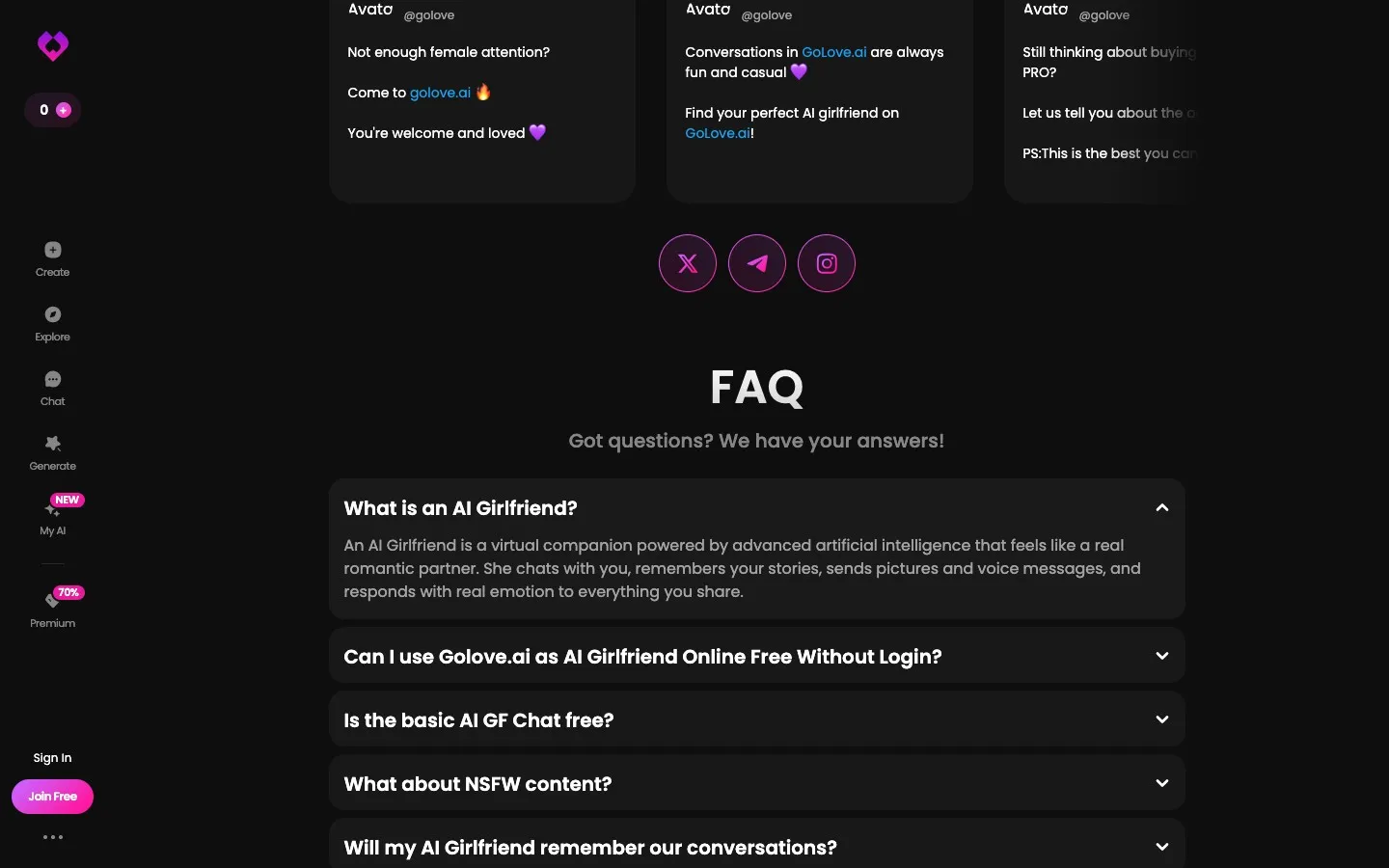
GoLove AI's mobile web experience is the primary product. The interface is designed for touch interaction, with large tap targets, swipe-based character matching, and a chat layout optimized for one-handed use on smartphone screens.
Accessing GoLove AI on Mobile
- Open Safari (iPhone) or Chrome (Android) — or any modern browser
- Navigate to goloveai.com
- Log in or create your account
- All features work as on desktop: swipe matching, text chat, voice, images, video, Live mode
The mobile experience loads the same Large Language Model-powered chatbot and the same machine learning content generation tools as the desktop version. No feature is restricted to desktop only.
Performance Notes
- Text chat and character gallery: fast on any connection (4G/LTE or Wi-Fi)
- Voice message generation: works on 4G; slightly slower on weak 3G connections
- AI image generation: works on 4G; image delivery may be slower on slow connections
- Live video mode: best on Wi-Fi or strong 5G/LTE; performance degrades on weaker signals
Battery consideration: Live video mode and extended chat sessions consume more battery than static apps. Charging recommended for extended sessions.
Adding GoLove AI to Your Home Screen (PWA)
The closest thing to a GoLove AI "app" is adding it to your home screen as a Progressive Web App. This creates an icon that behaves like an app — full-screen launch, no browser chrome visible.
On iPhone (Safari)
- Open goloveai.com in Safari (must be Safari, not Chrome, on iOS)
- Tap the Share button (the box with an arrow pointing up) at the bottom of the screen
- Scroll down in the share sheet and tap "Add to Home Screen"
- Edit the name if desired (default: "GoLove AI")
- Tap "Add" in the top right
- The icon appears on your home screen — tap it to launch in a full-screen mode
On Android (Chrome)
- Open goloveai.com in Chrome
- Tap the three-dot menu in the top right corner
- Tap "Add to Home screen" or "Install app" (text varies by Chrome version)
- Confirm by tapping "Add"
- The icon appears on your home screen and behaves like a native app
The PWA version opens without browser navigation bars, which gives a more app-like visual experience. All features remain identical to the standard browser version.
APK Downloads — What You Need to Know
Searching for "GoLove AI APK" will surface third-party sites offering unofficial Android package files. Do not download these.
Why APK files from third-party sites are risky:
- Not official: GoLove AI has not released any APK file. Any file claiming to be GoLove AI APK is unauthorized
- Malware risk: Third-party APKs are a common malware distribution vector — the file may contain spyware, adware, or credential-stealing software
- No updates: Unofficial APKs don't receive security updates from GoLove AI
- Account security: Logging into your GoLove AI account through an unofficial app could expose your credentials to the APK's creators
The official and only safe way to access GoLove AI is through goloveai.com in a standard browser. If you want an app-like experience, use the PWA home screen method described above.
Desktop Access
Desktop browsers (Chrome, Firefox, Safari, Edge) on Windows and Mac work fully with GoLove AI. The desktop interface offers a wider chat view, easier keyboard input for longer messages, and better performance for Live video mode due to typically stronger connections.
Users who split their time between mobile and desktop can switch seamlessly — account progress, companion relationships, conversation memory, and Star balance are all tied to your account, not a specific device.
Frequently Asked Questions
No — GoLove AI does not have a native mobile app on Google Play or the Apple App Store as of May 2026. The platform is browser-based and accessed at goloveai.com via any mobile browser (Safari on iPhone, Chrome on Android). The mobile web experience is fully featured and used by 86% of GoLove AI's 3+ million monthly users. You can add goloveai.com to your home screen as a Progressive Web App for an app-like experience.
GoLove AI has not released an official APK file for Android. Third-party sites offering GoLove AI APK downloads are distributing unauthorized files that GoLove AI has not produced and does not support. Downloading and installing unofficial APKs carries significant security risks including malware infection and credential theft. Access GoLove AI only through goloveai.com in a standard browser.
On iPhone: open goloveai.com in Safari, tap the Share button, select "Add to Home Screen," confirm. On Android: open goloveai.com in Chrome, tap the three-dot menu, select "Add to Home screen," confirm. The resulting home screen icon launches GoLove AI in full-screen mode without browser navigation bars — functionally similar to a native app. All features remain identical to the standard browser version.
Yes — GoLove AI works fully on iPhone via Safari or Chrome browser. All features are accessible: text chat, voice messages, AI image generation, AI video, and Live mode. The interface is optimized for touch input. For the best PWA home screen setup on iPhone, use Safari specifically (the "Add to Home Screen" option works more reliably in Safari than third-party iOS browsers).
Yes — GoLove AI's features are identical on mobile and desktop. The same character gallery, conversation system, Stars, Live mode, and multimedia features are available regardless of device. The visual layout adapts to screen size: desktop shows a wider chat interface; mobile uses a full-screen vertical layout. Performance for Live video mode is typically better on desktop due to more stable connection and more processing power, but all features function on both.