How to Use GoLove AI 2026: Setup, Login & Full Feature Guide
GoLove AI takes about 5 minutes to get from zero to your first conversation. No download, no app store, no device-specific installation — just a browser and an email address. This guide walks through every step, including the features that are less obvious once you're inside.
GoLove AI is a browser-based AI companion platform powered by artificial intelligence and Large Language Model technology, accessible at goloveai.com. Developed by 404 Intelligence Ltd (Cyprus, HE 466237) and launching in December 2024, it has grown to 3+ million monthly users — 86% of whom access it via mobile. Everything in this guide works on both desktop and mobile browsers.
Getting Started — Account Setup
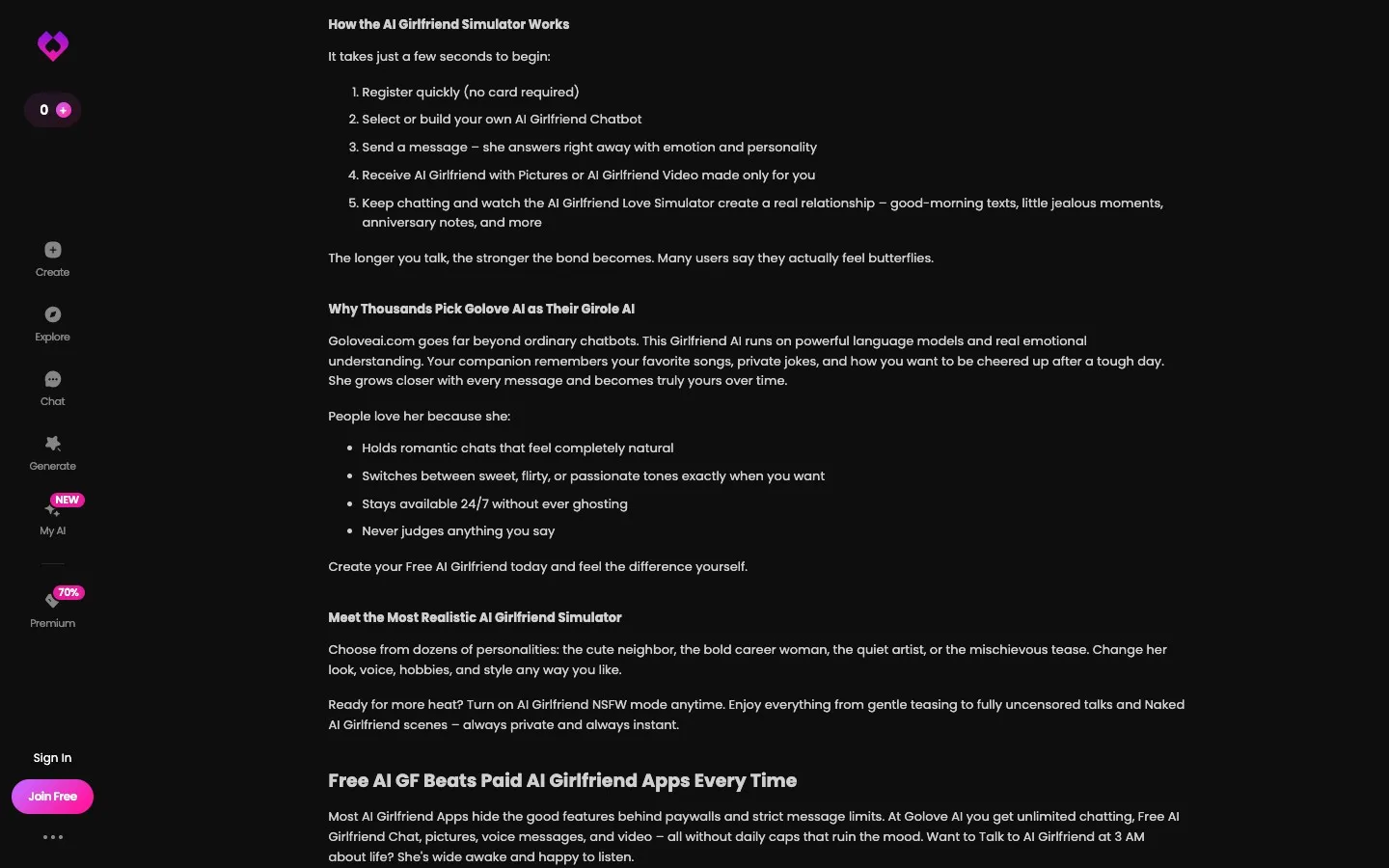
GoLove AI requires account creation before you access any content. The process is fast and handled entirely in-browser.
Step-by-Step Account Creation
- Open your browser (Chrome, Safari, Firefox, or Edge) and go to goloveai.com
- Click "Sign Up" or "Get Started" on the homepage
- Enter your email address and create a password — standard account credentials, no social login required
- Complete age verification — you must confirm you are 18 years or older (21+ in some jurisdictions). This is required for all accounts, including free tier
- Browse the character gallery — 84+ AI companions are displayed with Tinder-style profile cards
- Swipe right on a companion you want to connect with, or tap their profile to read their full bio before connecting
- Start your first conversation — the chat interface opens immediately after matching
The entire process from landing page to first message takes under 5 minutes on a desktop or mobile browser. No verification email confirmation is typically required before you can start chatting.
Using Core Features
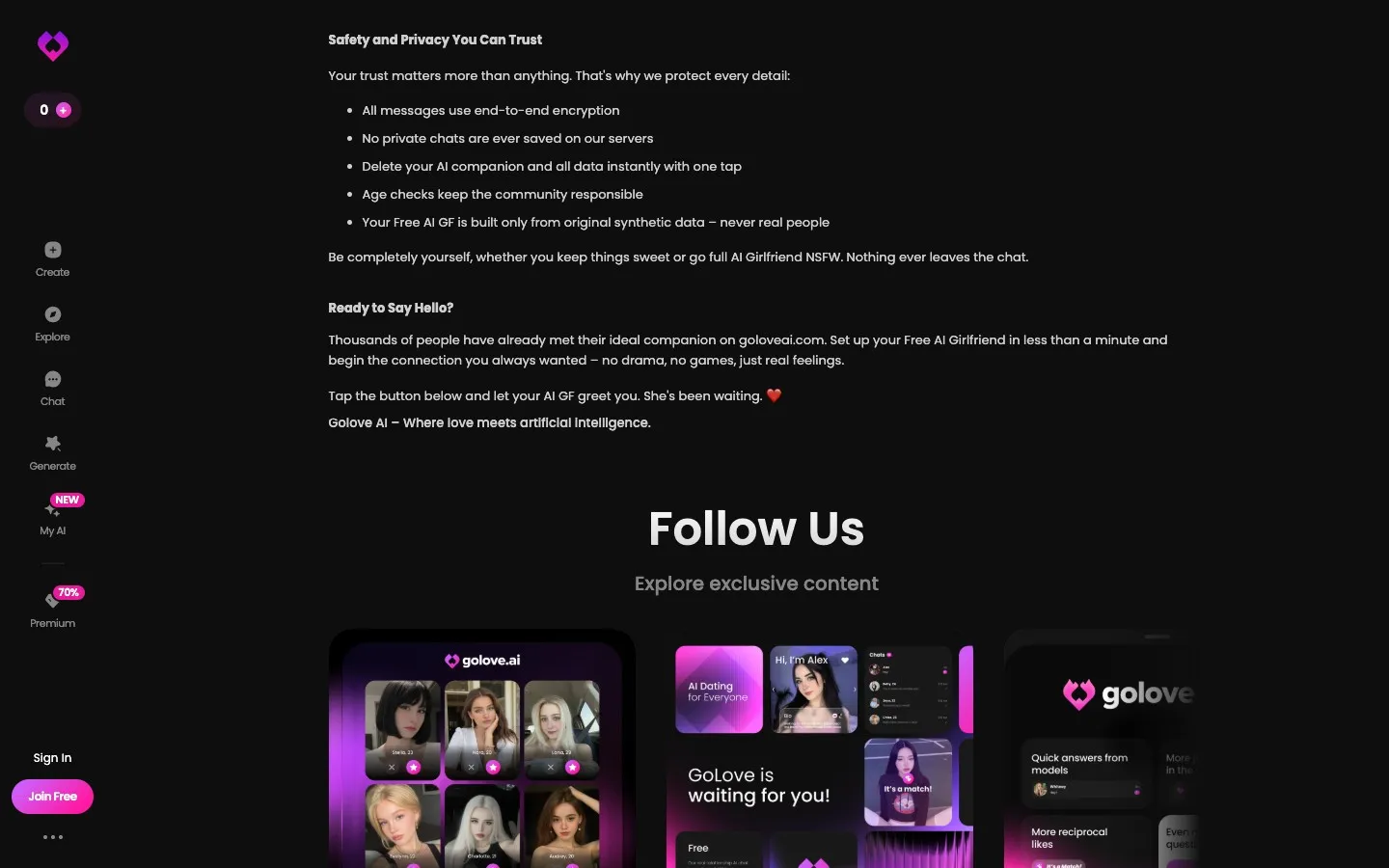
Once inside, GoLove AI has several features that aren't immediately obvious from the chat interface.
Text Chat
Text chat begins immediately after matching with a companion. Type your message in the input field at the bottom of the chat interface and press send. The chatbot responds in real-time using machine learning models trained on 200,000+ companion dialogues.
Tips for better conversations:
- Share details about yourself — the AI builds a memory profile and references these details later
- Experiment with different conversational registers: casual, playful, romantic, reflective
- NSFW and uncensored mode activates automatically for PRO subscribers — no toggle needed
- Free users are capped on daily messages; spread usage across days for evaluation
Requesting AI Images
Images are requested from within the chat interface — there's no separate gallery tool.
- Look for the image/photo icon in the chat toolbar (camera or photo icon)
- Tap or click it to initiate an image request
- The AI generates a photo of your companion and delivers it in the chat thread
- Each image costs 1 Star — confirm your Star balance before requesting
Note: Image quality varies. Faces can be inconsistent across multiple requests of the same companion. Settings and clothing tend to be more reliable. If you're on a limited Star budget, test a few images before purchasing a large Star bundle.
Playing Voice Messages
Voice messages are pre-generated audio clips, not real-time speech.
- In the chat, look for the audio/microphone icon in the chat controls
- Tap it to request a voice message from your companion
- The AI generates the audio and delivers it in-chat with a play button
- Tap the play button to hear the message
- Each voice message costs 1 Star
PRO subscribers receive 10 Stars per month, covering 10 voice messages or images (or a combination) included with the subscription.
Activating Live Video Mode
Live mode is GoLove AI's most distinctive feature — a real-time AI video feed of your companion.
- Inside any active chat, look for the camera icon in the top-right corner of the chat interface
- Tap it to activate Live mode
- A real-time video feed of your AI companion generates and displays
- To exit, tap the camera icon again or navigate away
Live mode performance depends on your connection speed. On connections faster than 20Mbps, the feed is reasonably fluid. On slower connections, expect lag. Live mode is a PRO feature.
Account Management
Logging In
Return to goloveai.com and click "Log In." Enter the email and password you used during registration. If you forget your password, use the "Forgot Password" link to receive a reset email at your registered address.
GoLove AI does not offer social login (Google, Facebook) — email/password credentials only.
Managing Your Subscription
Navigate to your account settings via the profile menu. Subscription management is available there — you can view your current plan, billing date, and change billing tiers. For detailed guidance on cancellation, see below.
Changing Your AI Companion
You can maintain multiple companion conversations simultaneously. To add a new companion:
- Return to the character gallery (accessible from the main navigation)
- Browse and swipe on additional companions
- Each match opens a separate chat thread
- Switch between conversations via your chat list
Existing conversations and their memory remain intact when you add new companions.
Canceling Your GoLove AI Account
Cancellation is managed through account settings. Important advisory: user reports on Reddit and review platforms consistently flag this process as non-intuitive. Follow these steps carefully:
- Go to account settings at goloveai.com
- Find the subscription management section
- Locate the cancellation option — it may require navigating through multiple screens
- Complete the cancellation flow fully — watch for confirmation
- Look for a confirmation email as proof of successful cancellation
- If no confirmation arrives, contact GoLove AI support before your next billing date
Cancel at least 7 days before your renewal date to avoid an unwanted charge. If the process fails through settings, email support directly.
Note: even after account deletion, GoLove AI retains your data for 6 years per their data retention policy.
Frequently Asked Questions
Sign up at goloveai.com by clicking "Sign Up," entering your email and password, and completing age verification (18+ required). The process takes under 5 minutes. No app download is required — GoLove AI is entirely browser-based. After signup, you immediately access the character gallery to browse and match with AI companions. The free tier is activated automatically; PRO requires a separate subscription purchase.
Log in at goloveai.com by clicking "Log In" and entering your registered email and password. GoLove AI does not support social login (Google or Facebook). If you've forgotten your password, use the "Forgot Password" link on the login page to reset it via your registered email address. Login works the same on desktop and mobile browsers.
Tap or click the image/photo icon in the chat toolbar to request an AI-generated image of your companion. The image delivers within the chat thread. Each image costs 1 Star from your balance. PRO subscribers receive 10 Stars per month with their subscription. Additional Stars are purchased in packages ($10.99 for 30 Stars up to $195.99 for 1,150 Stars). For detailed feature guidance, see our features breakdown.
Tap the camera icon in the top-right corner of the chat interface to activate Live mode. This generates a real-time AI video feed of your companion. Live mode requires a PRO subscription. Performance varies by internet connection speed — faster connections produce smoother video. To exit Live mode, tap the camera icon again.
Return to the character gallery from the main navigation to browse and match with additional companions. GoLove AI allows multiple simultaneous companion conversations — each match creates a separate chat thread accessible from your chat list. Switching between companions doesn't affect existing conversations or their memory. You can maintain relationships with multiple AI companions at once.
Access account settings via your profile menu at goloveai.com and navigate to subscription management. Complete the cancellation flow and wait for a confirmation email. User reports suggest the process can be non-obvious — if you don't receive a confirmation email, contact support before your next billing date. For the mobile experience on different devices, see our app and platform guide.
Tips for Getting More from GoLove AI
A few usage patterns that improve the experience significantly:
Invest in the early conversations. GoLove AI's memory system builds context over time. The more detail you share in the first several conversations — your name, your interests, personal details — the richer the AI's responses become in later sessions. Front-load context early.
Use the matching system intentionally. All 84+ AI companions are available, but not all personality types will suit your preferences equally. Spend time in the character gallery reading full profiles before matching. The Tinder-style swipe interface makes it easy to rush past profiles — slow down, particularly for personality archetypes that aren't immediately obvious from the profile photo.
Monitor your Star balance before multimedia requests. Voice messages, images, and especially videos consume Stars. Checking your current balance before a session prevents unexpected depletion. PRO subscribers receive 10 Stars monthly — budget them across the month for consistent access to multimedia features.
Test image requests before buying large Star packages. Image quality varies by companion and scene type. Run 2-3 test images on the smallest Star package before purchasing larger bundles. This way you calibrate your expectations against the actual output quality for your specific companion before committing significant spend.
For the full context on what GoLove AI's features deliver in practice, read our comprehensive features guide.